
CLASSIC BOOTH
The original crowd-pleaser.
Capture photos, arrange them in your event layout, and finish with your own background and logo.
Explore event layouts →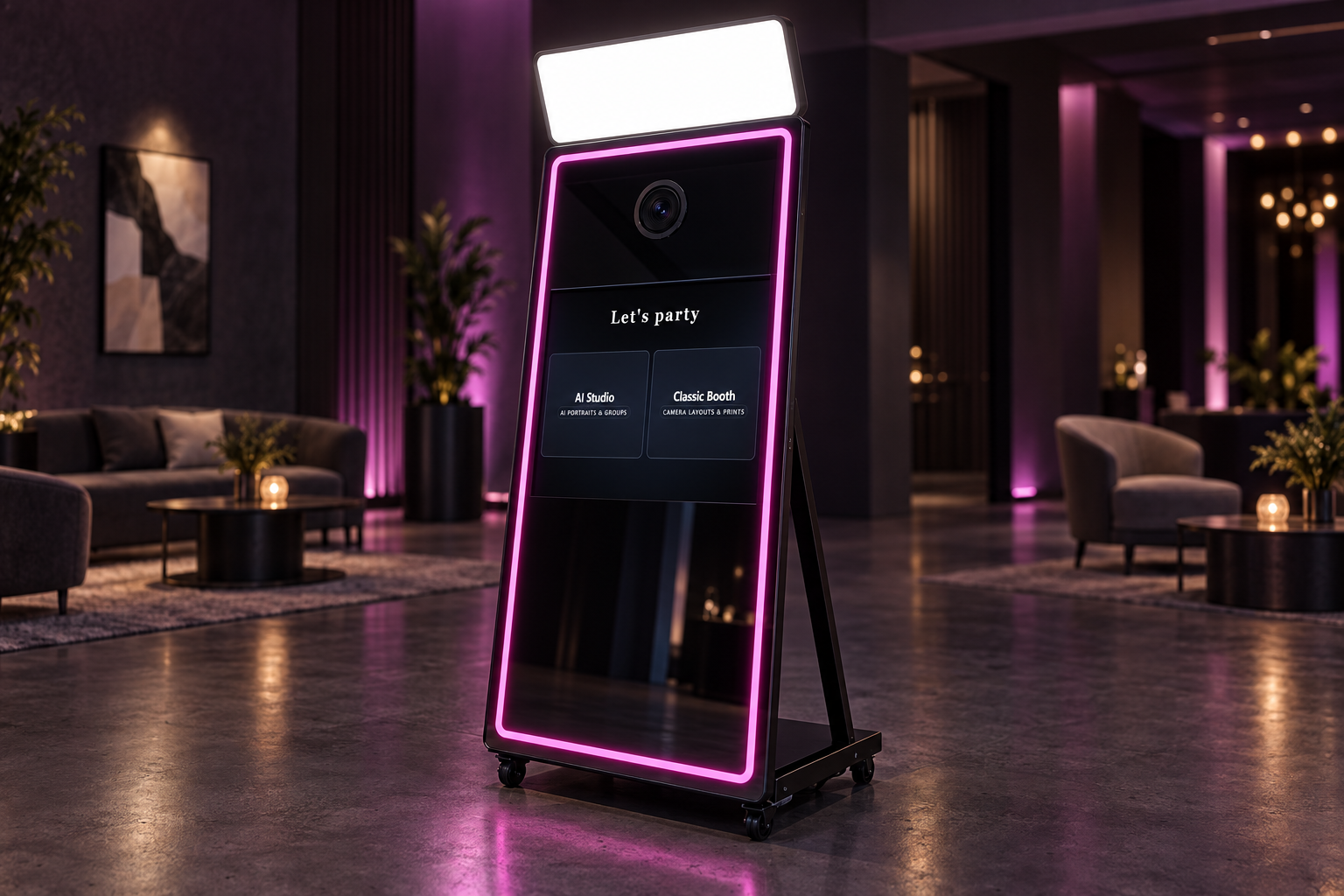
AI Studio for imaginative transformations. Classic Booth for the photos everyone loves. Set up the experience to suit each event.
Windows & iPad · Buy once for classic use · AI credits separate.
Capture photos, arrange them in your event layout, and finish with your own background and logo.
Explore event layouts →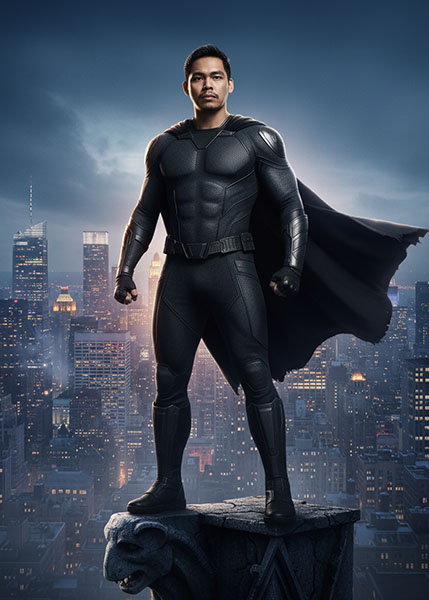
Let guests choose a look and turn their photo into something unexpected. Cloud AI does the work—no high-end GPU needed.
See how guests choose →Start an AI photo session.
Browse cinematic worlds, painted portraits and more.
Choose a favourite look, then let Booth create the result.
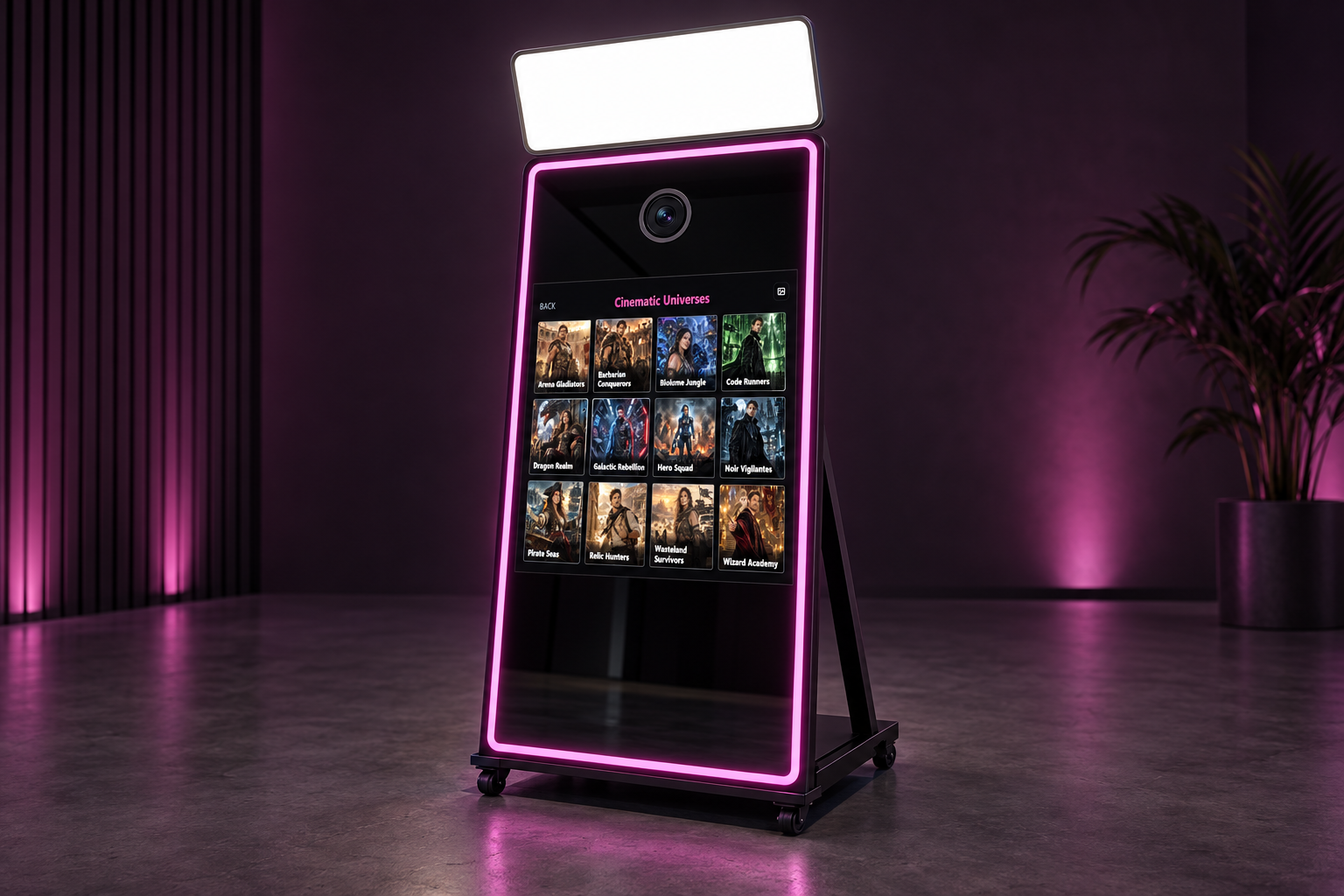
Photo strips, portraits and your client’s branding. Prepare your templates in the way that suits you.
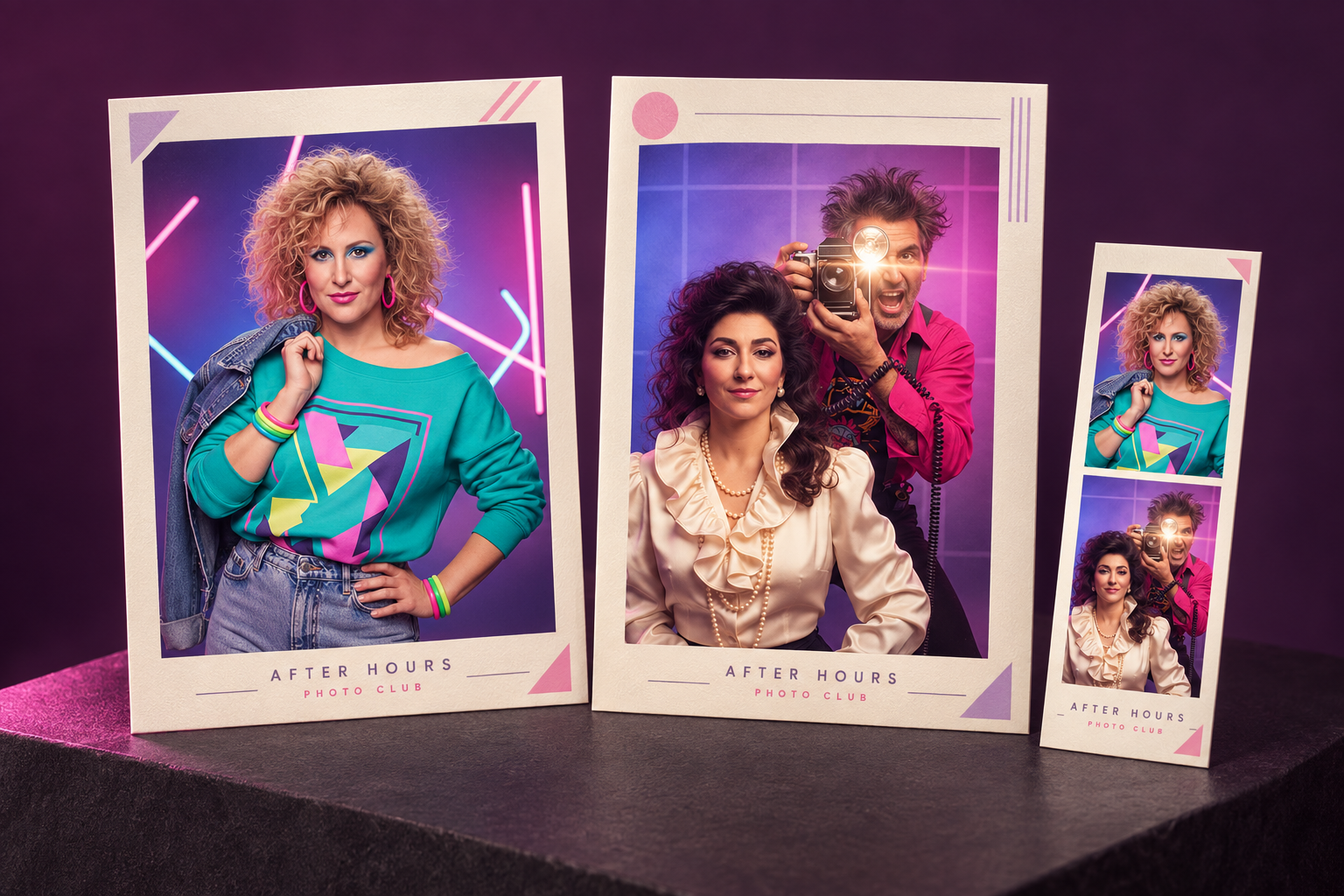
Create a layout in the Booth app. Arrange your photo areas, add a background and logo, and save it for your event.
Prepare your designs in the web dashboard, then sync them to your connected booth before the event.
Load ready-made template artwork as a PNG, JPG or WebP background or overlay, then position the photo areas to fit.
Choose which themes guests see at each event. Use the ready-made library or add your own prompts and styles for a client’s idea.
Browse all AI examples →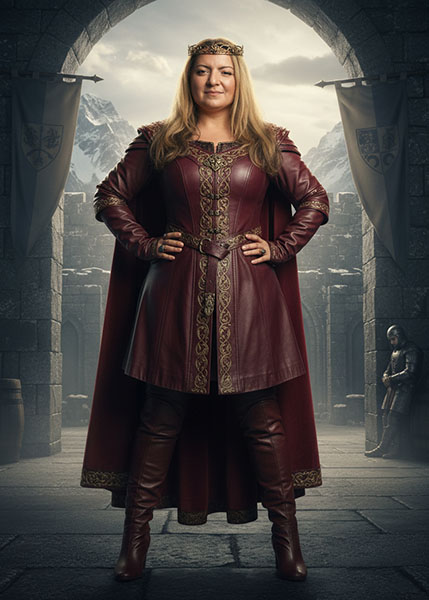


Review event photos in the app, choose prints and use configured sharing options. Add a separate Kiosk when you want guests to browse away from the camera.
Use your compatible camera and Windows printing setup. Cloud AI runs online, without a high-end GPU.
Get started on Windows →Capture photos, run AI Studio or Classic Booth, and use the app’s printing and email controls. The account sign-in update is coming soon; existing iPad users can continue with their current app.
Open my account →Create an account and start with 400 shared credits. Your first credit purchase permanently unlocks Classic Booth. AI generations always use credits; top up when needed.